


Mentra Call
Bring an expert to the job, hands-free. Start a call from Mentra Live so they can see your point of view and guide you as you work.
Get a free month of Mentra Call with every Mentra Live purchase.
Using Mentra Call
Put on your smart glasses
Slide on Mentra Live and power it on. The glasses are ready to pair in seconds.

Open Mentra Call
Pair Mentra Live with an iPhone or Android phone, then open Mentra Call.
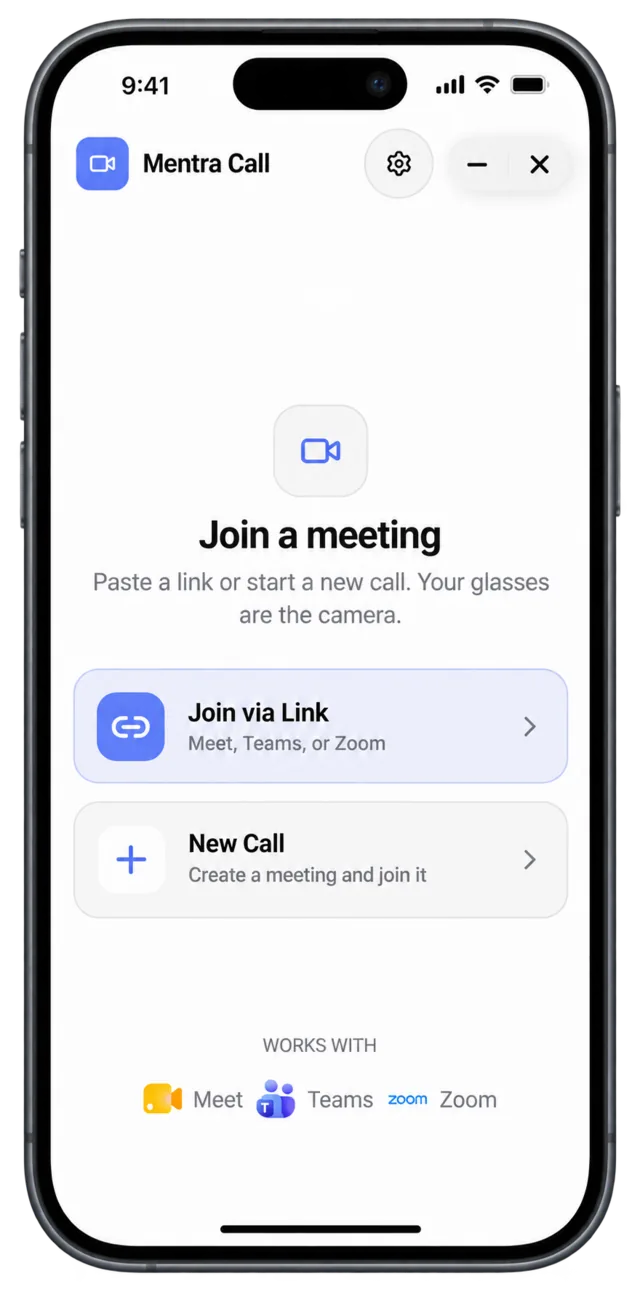
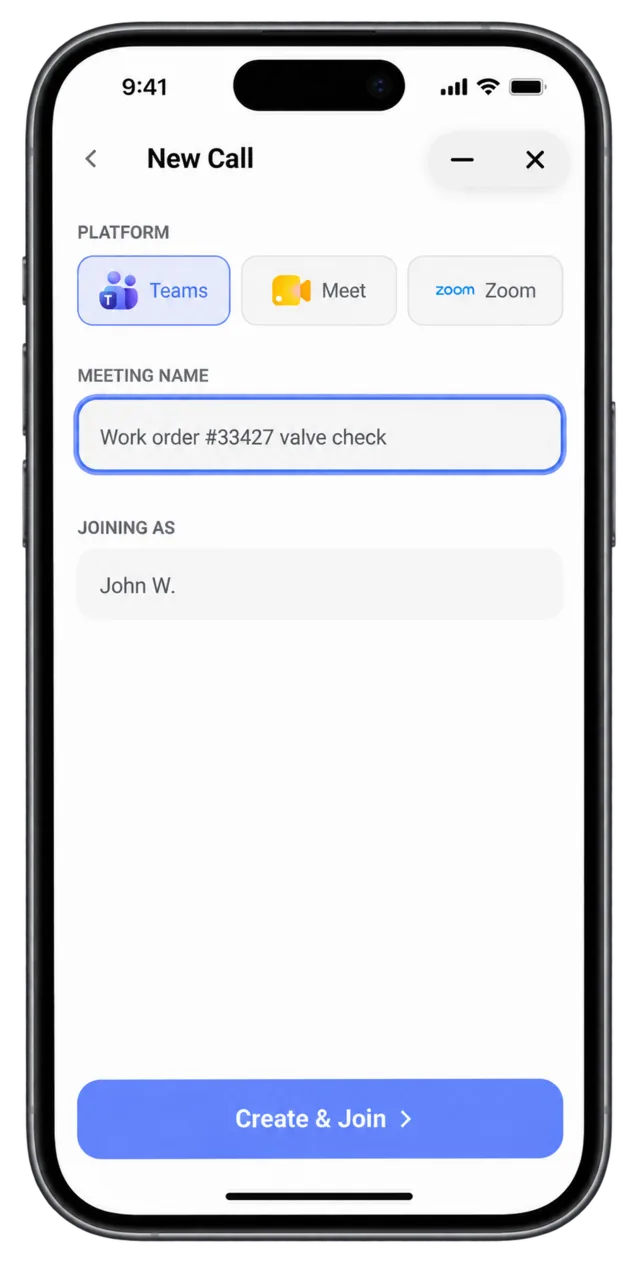
Choose Microsoft Teams
Create a call or join an existing meeting using the Teams account your organization already uses.
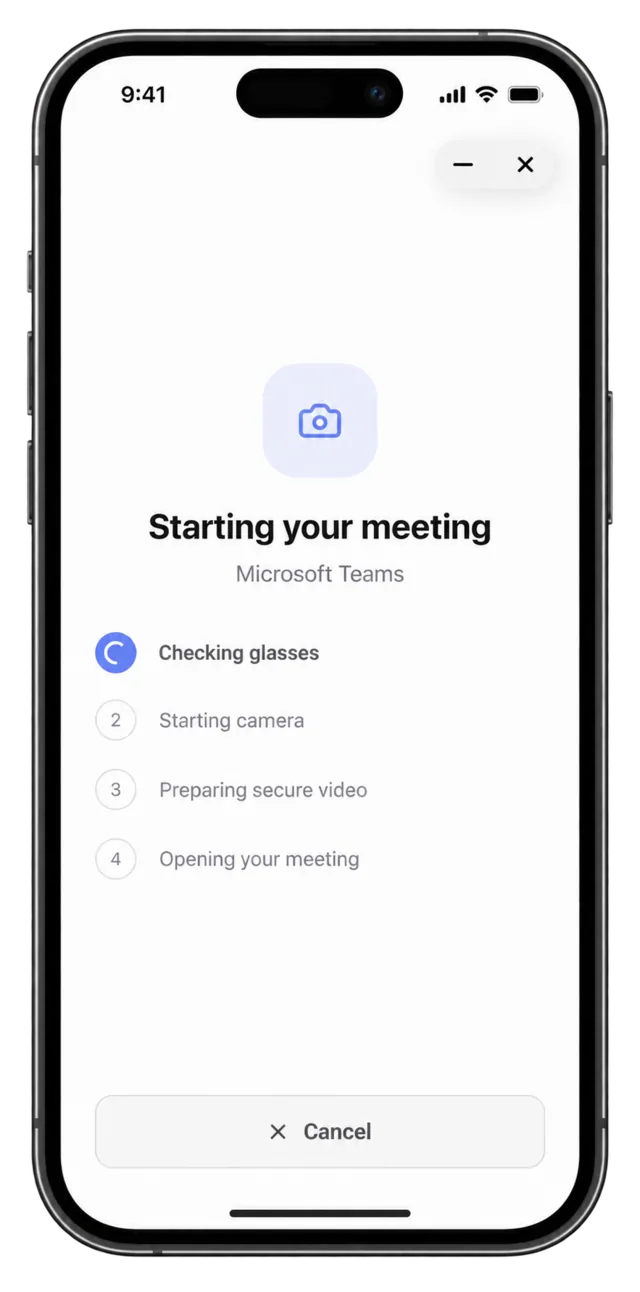
Connect the glasses
Mentra Call checks the glasses, starts the camera, and prepares the secure video connection.
Share the call
Tap the share button and send the meeting link to your remote expert so they can join in Teams.
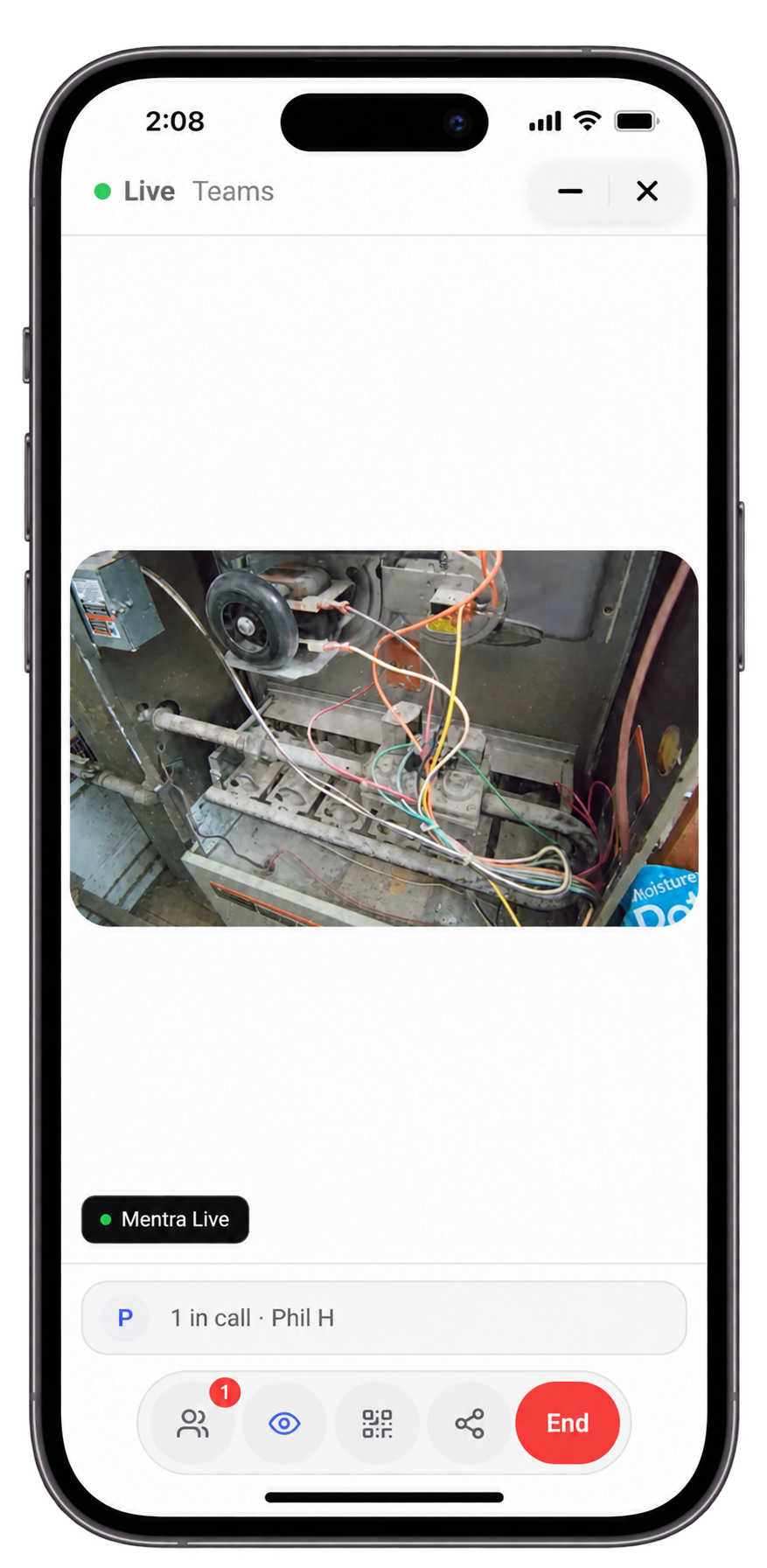
Work with an expert
The expert joins in Teams, sees the live camera feed, and guides the work in real time.
Want to try Mentra Call for free?
Buy Mentra Live and get 1 free month of Mentra Call.