

Mentra Captions
Subtitles for the real world on smart glasses.
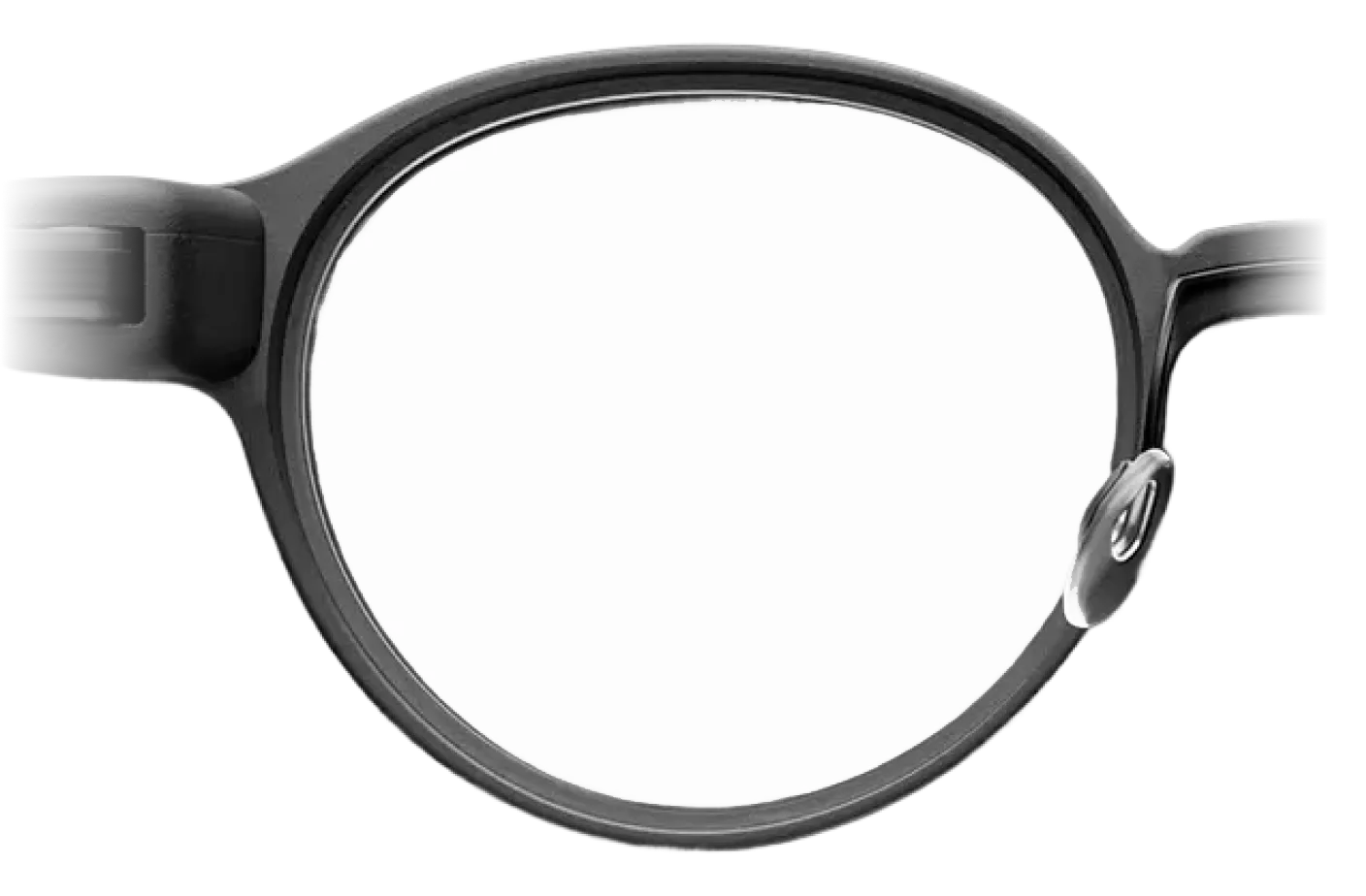
Live captions
See speech on your glasses as people talk.
Live speech
Words appear as people talk.
Speaker labels
Follow who said what in a group setting.
Copy details
Copy and paste numbers, addresses, and information people say.
Built for access
Built for deaf and hard-of-hearing users, and useful for everyone.
Setup
How to use live captions?
Download Mentra, pair supported glasses, and launch Captions from the Mentra Miniapp Store.
- 01Download the Mentra app.
- 02Pair supported smart glasses over Bluetooth.
- 03Open Captions and start reading speech in your line of sight.
Try Captions Before You Buy Smart Glasses
You can try it for free without smart glasses right now by downloading the Mentra app on the Google Play or Apple App Store.


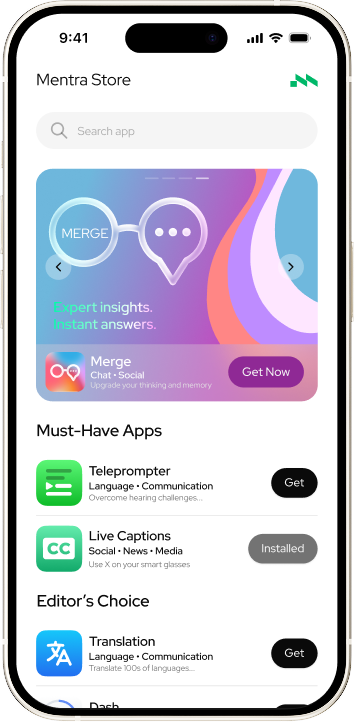
Setup
Start captions in a few taps.
Install Mentra, pair supported glasses, then open Captions from the Mentra Miniapp Store.
Download Mentra
Get the app for iPhone or Android, or inspect the open-source OS on GitHub.

Pair your glasses
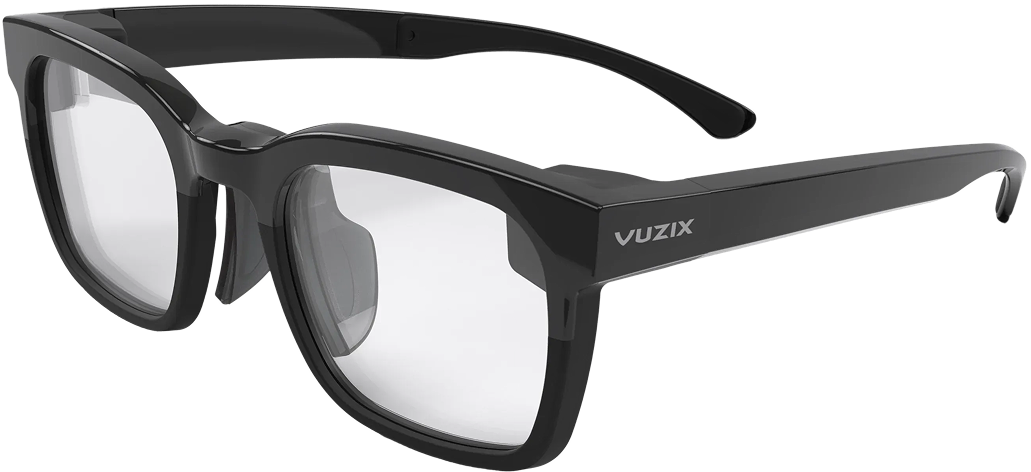
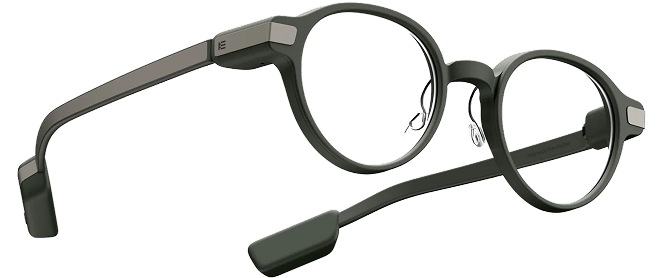
Connect supported smart glasses over Bluetooth. Even Realities G1, Vuzix Z100, and more are supported.
Open Captions
ReadyLaunch the Captions Miniapp and read real-time subtitles in your line of sight.
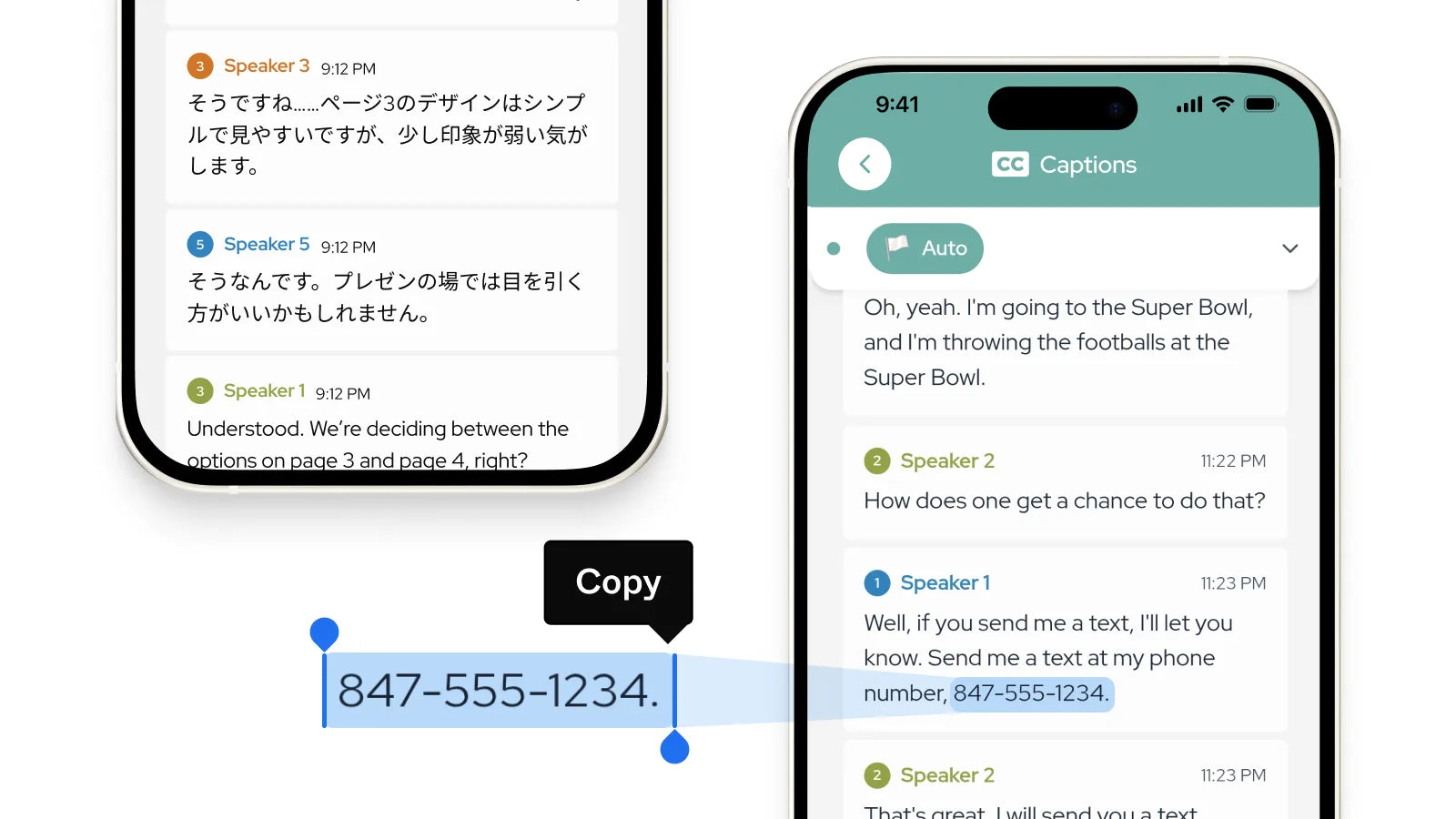
Copy and Paste
Anything You Hear
Whether it's a phone number, address, or information you want to save for later, copy and paste anything from your Captions. Never miss a detail in conversation again.
Compatibility
Works with your glasses.
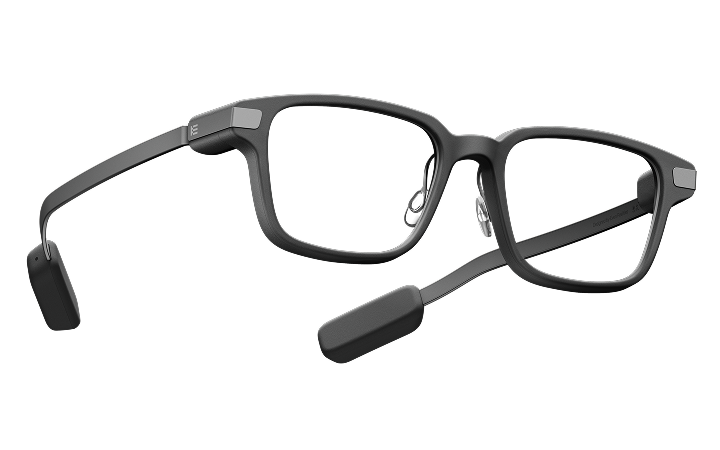
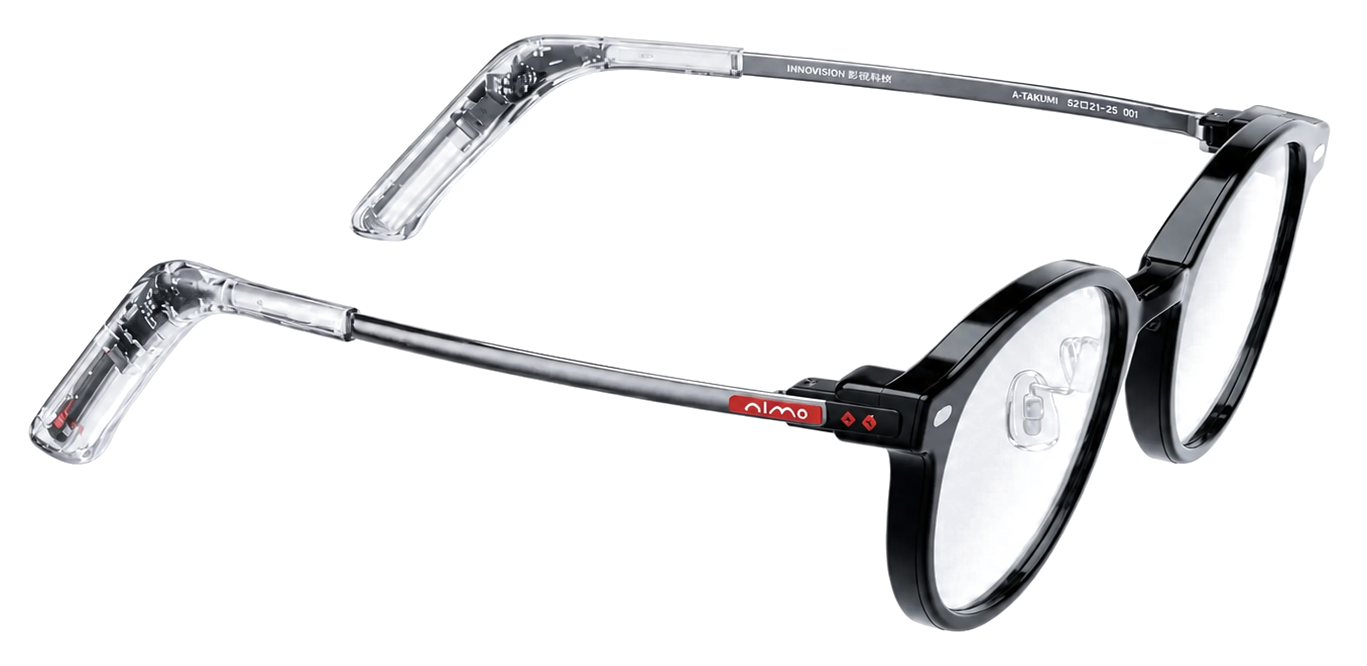
G1, G2, and Vuzix are all live on Mentra Captions. The same captions experience works across supported smart glasses through MentraOS.

What Real Users Are Saying
Straight from our community of deaf and hard of hearing users on Discord — unfiltered, unedited.
Last night I was watching tv series with different languages and I wanted to know what they are talking about so I used the online caption and was blown away about online captions picking up different languages easily (French and Shoshone).
Another flawless day today 👋. Not a single drop out, sublime battery performance in both glasses and phone. Huge thanks for the team and their efforts in getting to this level, your hard work is greatly appreciated 👌.
It's been outstanding today, not a single fault to report. Has been no crashes at all. Latency and accuracy has been brilliant. Well done Mentra lads 👑
Absolutely phenomenal so far! Well done Mentra, and thank you for continuing to listen to us users and persevering with your continual tweaks and fixes when it'd have been easy to walk away. Very impressive.
FAQ
Frequently asked questions
Caption support, compatibility, and setup details.
No. Mentra Captions is not a replacement for hearing aids.
Hearing aids amplify sound. Mentra Captions turns speech into readable text in your line of sight. Many users choose to use both together — hearing aids for sound, and captions for clarity, confirmation, and reduced listening fatigue.
Think of it as visual support for understanding conversations.

Captions on smart glasses.
See speech in your line of sight for meetings, classrooms, restaurants, and daily conversations.

Ready to build on Mentra?
Open-source moves fast. Stay up to date with the platform.