

The open platform
for smart glasses.
MentraOS brings an app ecosystem, developer SDK, and seamless user experience to your smart glasses, 100% open source.


Compatibility
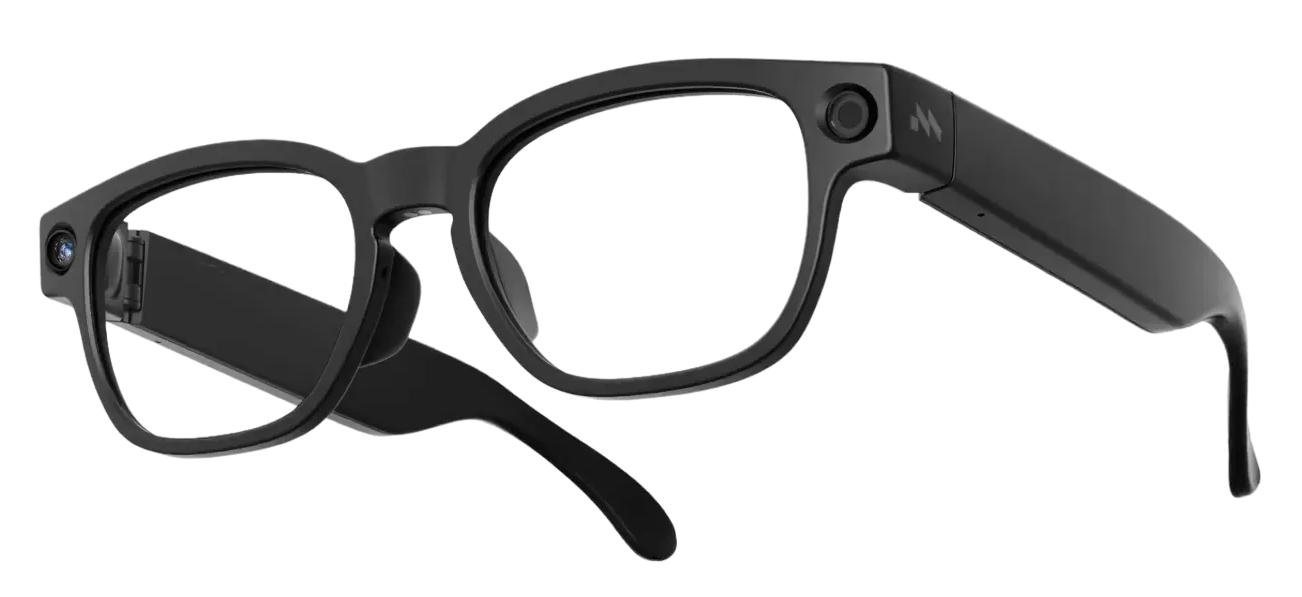
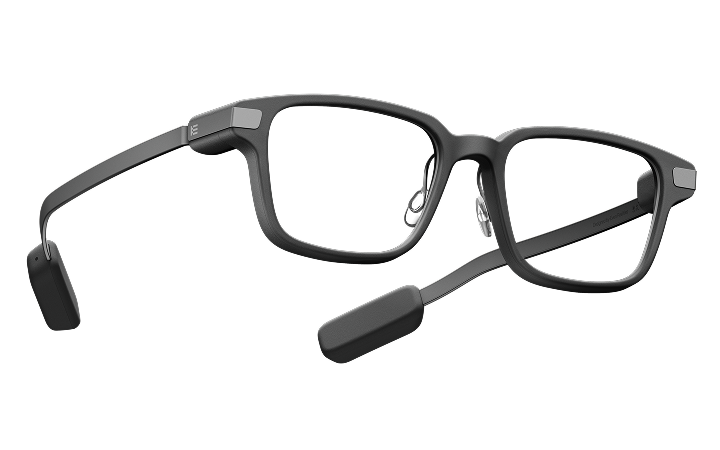
Works with your glasses.
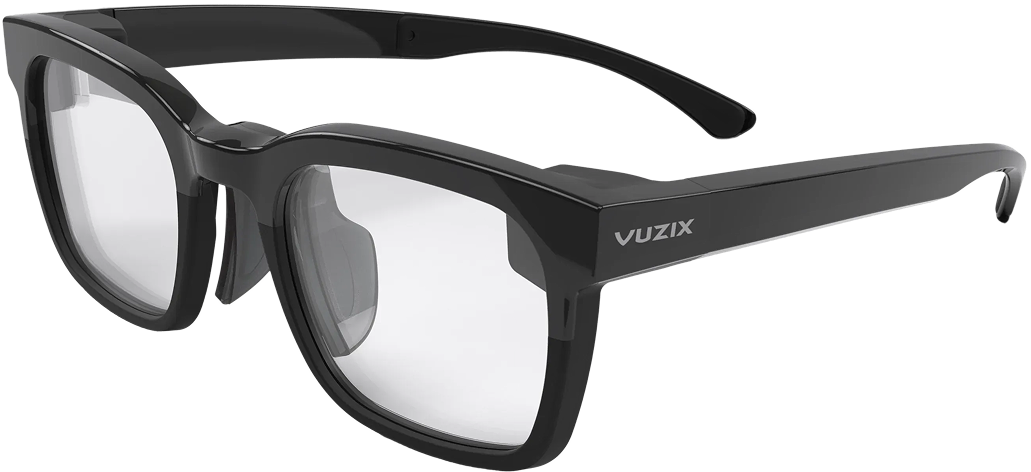
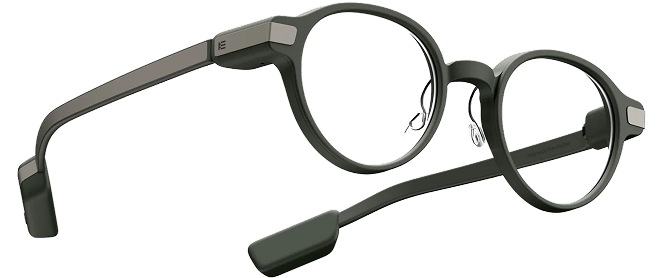
Mentra brings all the best apps to your smart glasses
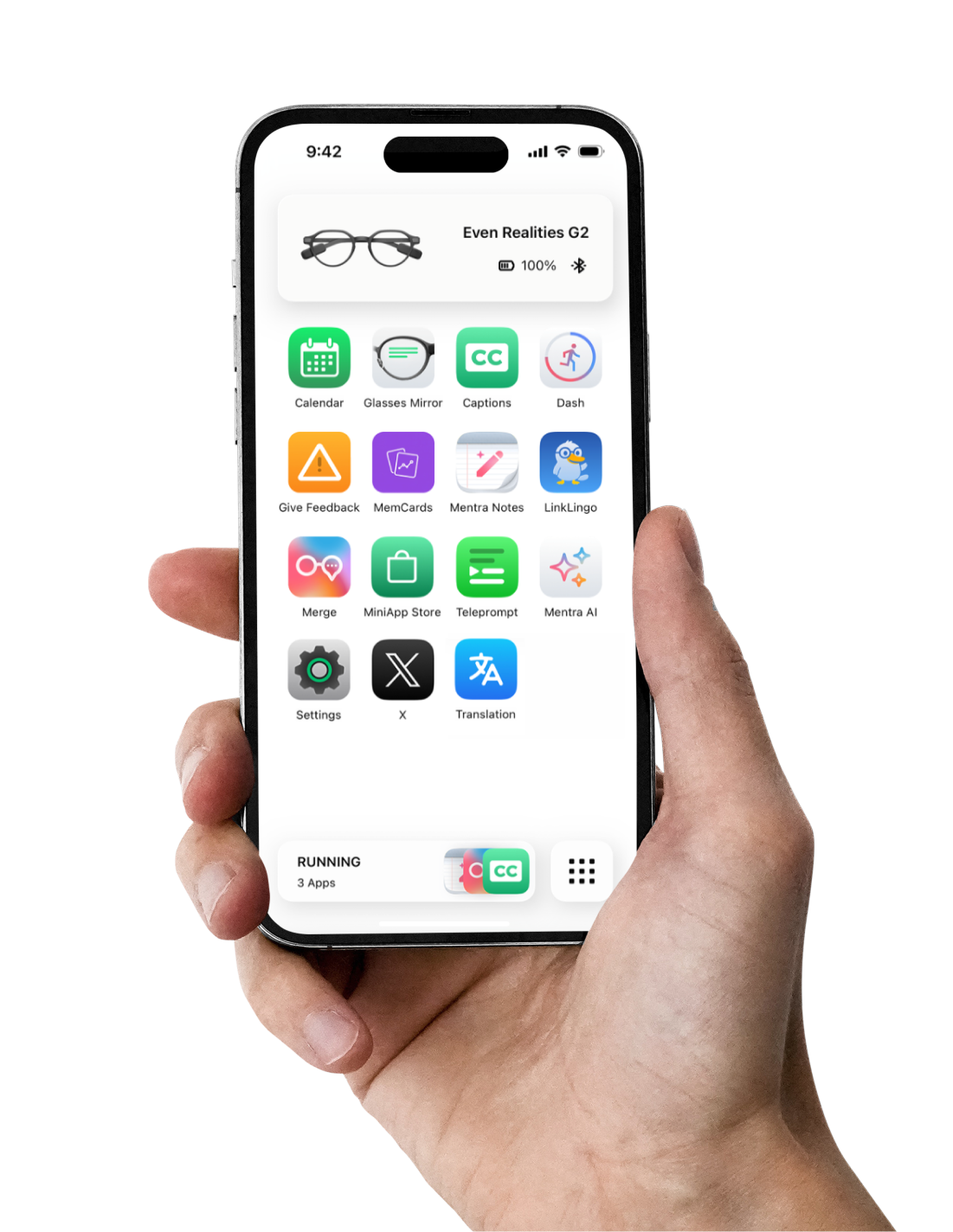
Use the Mentra Miniapp Store to browse, install, and run apps, all from your phone. Start a hands-free call with Mentra Call, then explore captions, AI notes, translation, and more.
 Mentra Call
 Camera
 Captions
 Notes
Notes Streamer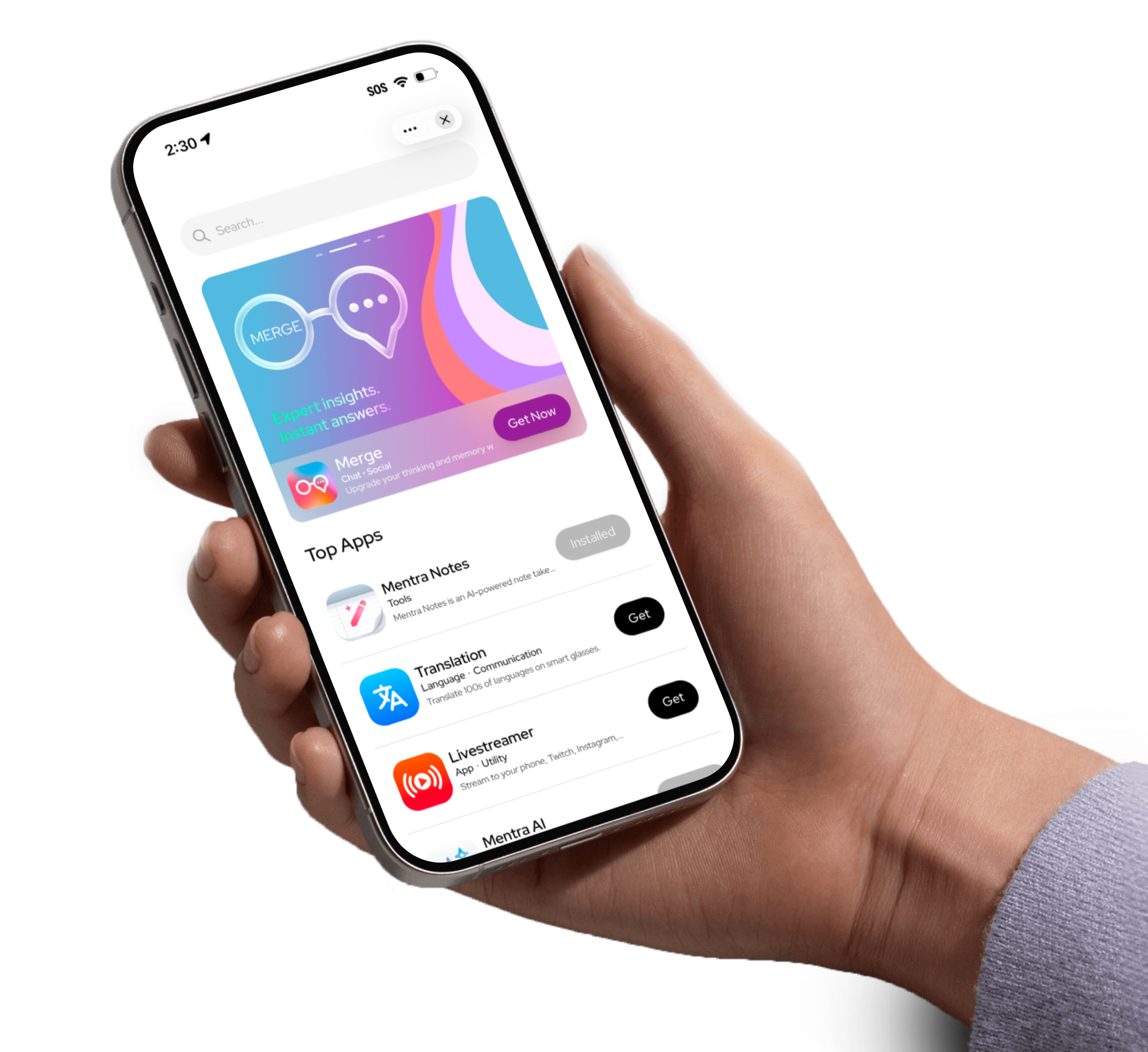
MentraOS overview
What is MentraOS?
MentraOS is the operating system for smart glasses. It is open-source and designed to give users, developers, and manufacturers the best smart glasses experience. Users get apps and freedom to use the AI they want. Developers get an unlocked SDK across glasses devices. Manufacturers get a turnkey OS solution they can integrate while maintaining their brand and customer relationship.
Why do we need MentraOS?
Smart glasses only become mainstream if they feel like glasses first: lightweight, stylish, and able to last all day. Traditional operating systems were not designed for those constraints. MentraOS runs apps on the phone while glasses handle simple input and output, making a powerful software experience possible on hardware people can actually wear.
How does MentraOS work?
To save battery on the glasses, MentraOS apps run on users' phones. Each miniapp runs inside a host app, so multiple apps can work at once, like calling, notifications, translation, and notes. Developers get SDK access to the glasses hardware, including display control, microphone access, and camera commands. Manufacturers can integrate the Mentra Core Engine into their own iPhone or Android app.
How can I start using MentraOS?
If you have supported glasses, you might already be using MentraOS. When the default app says “Powered by Mentra,” MentraOS is inside. If not, check compatibility, download the Mentra app, and connect your glasses to get started.
Download the Mentra appWhy are you building MentraOS?
We believe smart glasses are the next massively adopted personal computer. MentraOS gives that future an open app ecosystem, a developer SDK, and a software layer that can work across the glasses people already want to wear.
Apps built for your glasses.
Make hands-free calls, follow live captions, take notes, and translate conversations with apps built for your glasses.

Developer SDK
Build your first smart glasses app
in minutes.
Ship one app that works on any pair of supported glasses. The Mentra SDK gives you display control, microphone access, camera commands, and more from a single API.
import BluetoothSdk, {DeviceModels} from '@mentra/bluetooth-sdk';
import {useBluetoothEvent} from '@mentra/bluetooth-sdk/react';

const devices = await BluetoothSdk.scan(DeviceModels.MentraLive);
await BluetoothSdk.connect(await chooseDevice(devices));

useBluetoothEvent('button_press', async () => {
  await BluetoothSdk.requestPhoto();
});
Get MentraOS today
Download the app, connect your glasses, and explore the Mentra Miniapp Store.
Ready to build on Mentra?
Open-source moves fast. Stay up to date with the platform.